
What VINELink Covers in Riverside County
California VINELink works as a custody search and notification layer. Its real strength shows after a Riverside County arrest. Once the person has entered a participating jail system, you want word of a release or transfer. CDCR Victim Services sends people to VINE. The service covers county jail status. It runs a separate path for anyone who later enters state prison custody.
The Riverside Sheriff publishes no county-specific VINE feed schedule. It does not promise that every facility reports around the clock. Assume no fixed update interval. For the booking record itself, JIMS remains the direct Riverside County source. VINE adds status tracking and notices on top of that. Neither service serves as a court index or a booking-photo gallery.
Start at the California state route for local and state custody searches.
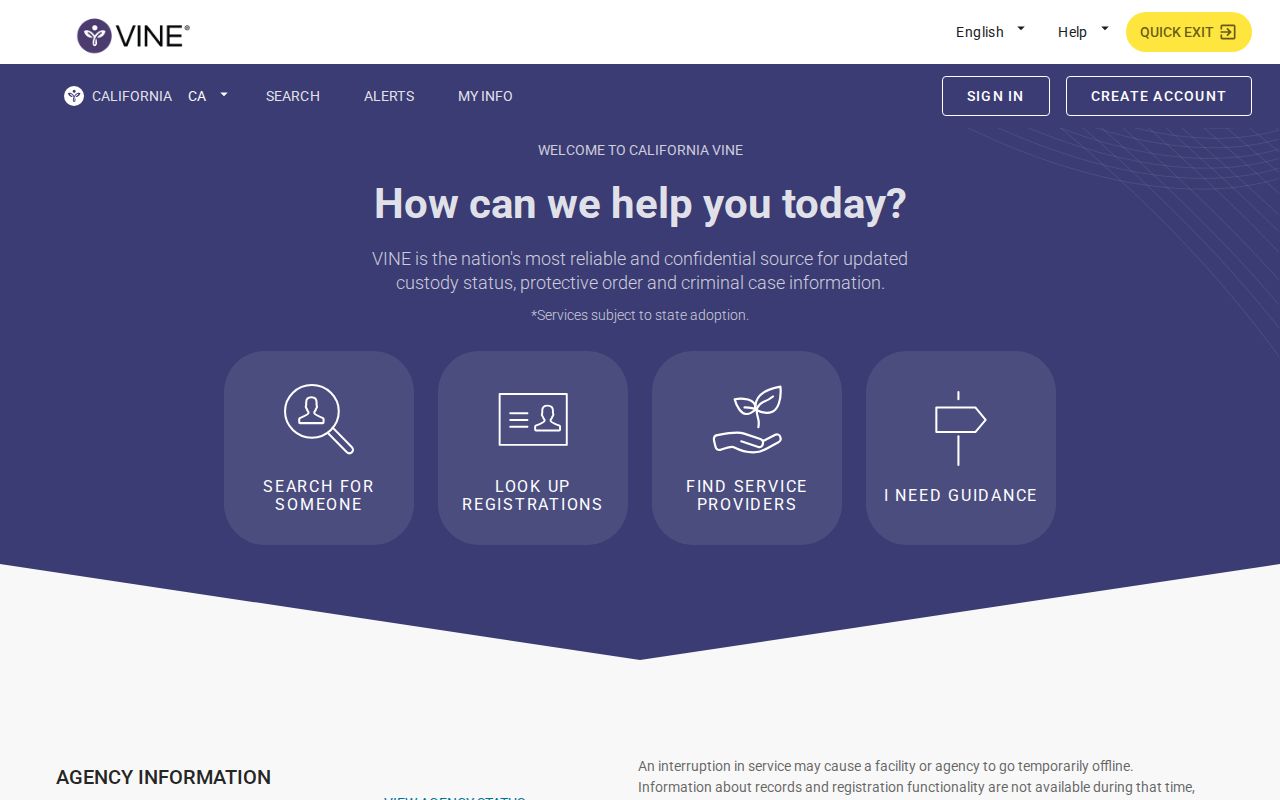
The state screen searches one name at a time. You enter details about the person first. It does not show a booking photo gallery. Countywide arrest lists live elsewhere.
How to Check a Riverside County Arrest on VINELink
Gather the legal name plus another solid identifier first. Shared names are common. A single spelling variation can change what comes back. Skip the broad web search and begin in California, select the participating location or category the interface shows, and weigh each result against the facts you already know.
- Open VINELink and select California from the state route.
- Choose the available custody agency, county, or search category that fits Riverside County.
- Enter the name or offender identifier accepted by the current form.
- Compare age, identifier, facility, and custody details before selecting a match.
- Confirm uncertain or very recent information through Riverside Sheriff JIMS or Records.
VINE's help line is 1-866-277-7477, with operator help and language support. An older California number still floats around in historical materials, but the current VINE source governs. For the county booking record behind the alert, follow the official paths at Riverside County Recent Arrests.
Riverside County VINELink Result Fields
Which fields appear depends on the contributing agency and the live California interface. A result can shift. The cause may be a release, a move between Riverside County facilities, or a transfer into state custody. Treat any status as time-sensitive. Save the identifier you registered with. Keep contact details and the alert PIN to yourself.
| Field | Purpose |
|---|---|
| Name | Initial match field that needs support from another identifier. |
| Offender or booking ID | Separates similar records and anchors the selected custody file. |
| Custody status | Shows a reported state such as in custody, released, or transferred. |
| Facility or agency | Identifies the institution or authority supplying the status. |
| Notification options | Shows the phone or email alert channels available for that record. |
A blank result can mean many things. The booking may be too fresh to post. The input may not match, or the person may be released or transferred. Custody may also fall outside the covered system. Sealed, juvenile, and citation cases without county booking also stay hidden. When status matters urgently, search the Sheriff's JIMS by name or booking number. You can also call Records.
Riverside Custody Systems Compared
Where the person is held decides which search fits. JIMS covers the Riverside County jail stage. VINE may report custody transitions and send notices when a matching participating record exists. CIRIS handles people in CDCR institutions, while federal and immigration detention each require separate federal locators.
| Custody stage | Primary source | What it answers |
|---|---|---|
| Fresh county booking | Riverside Sheriff JIMS | Whether a county booking or current custody record is visible. |
| Release or transfer tracking | California VINELink | Reported status and notification choices for a matching record. |
| California state prison | CDCR CIRIS and Victim Services | State institution information and the state notification path. |
| Federal prison | BOP Inmate Locator | Federal Bureau of Prisons custody, outside VINELink’s county role. |
| Immigration detention | ICE detainee locator | Immigration custody, which should not be inferred from a county result. |
A transfer can open a gap between systems. Recheck the sending agency, the receiving agency, and your VINE registration before assuming a release. Even a genuine release from Riverside County custody says nothing about how the case ended. Court status lives with Riverside Superior Court.
Register Riverside County Custody Alerts
Registration starts after you select a verified person record. Choose a contact method you can actually monitor. Keep the PIN private. The live interface controls what is offered, and current information supports telephone and email registration with a PIN workflow, though not every message type is promised for every Riverside record.
- Open the matching custody record and select its notification registration option.
- Choose phone or email, and any other channel the current screen offers.
- Enter the contact destination and create the required PIN.
- Review the selected person and status, then confirm the registration.
- Update or cancel the notice when the contact method or need changes.
The PIN lets you manage and acknowledge parts of the notification workflow. Never share it in a public message or a records request. If registration fails, call VINE at 1-866-277-7477 and confirm custody separately with the holding agency. The Sheriff cannot fix a third-party alert delivery problem. VINE cannot correct the underlying county booking record.
The VINELink home screen offers the nationwide starting point and service information. It supports person-specific tracking. Direct jail confirmation still matters.
An VINELink mobile app listing documents one more way to reach the notification service.
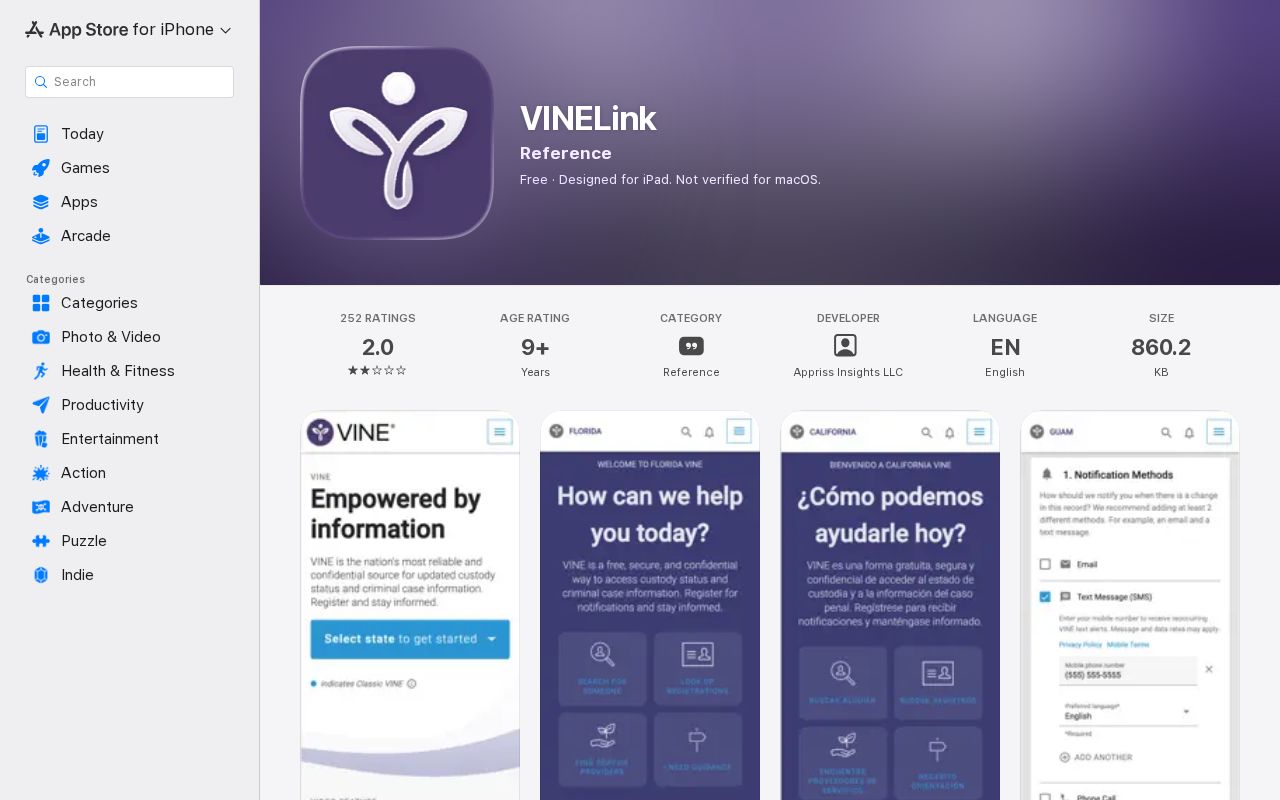
The mobile app can make alerts easier to manage. It adds no new agencies. It covers no extra bookings either. Participation still depends on which systems feed VINE, not on which screen you use.
California VINE After Riverside Transfer
The CDCR Victim Services application page gives the official state context for victim notification and steers users to VINE for county jail information. Once a person enters a CDCR institution, follow the state registration instructions. An old Riverside County alert will not cover every prison event.
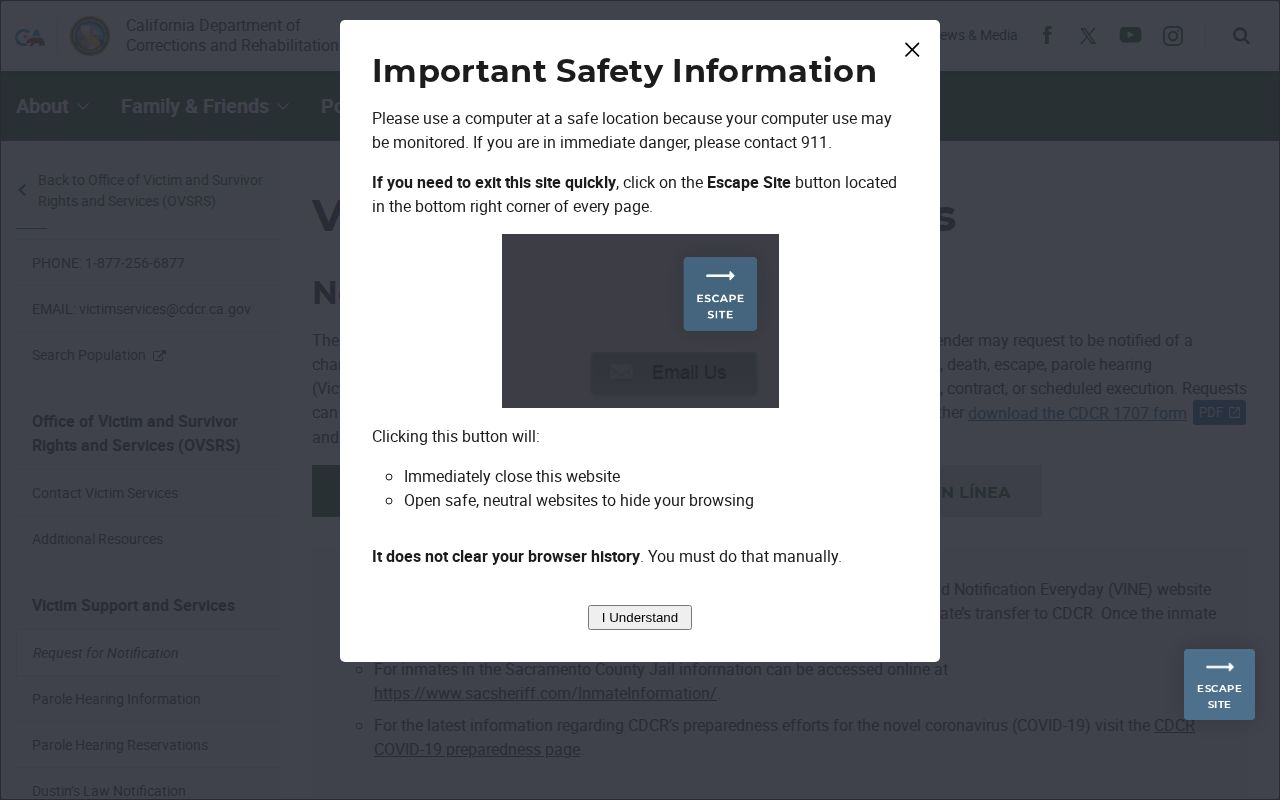
California's state page marks the moment county custody tracking ends and prison notification takes over. A CDCR stay is not an extension of the Riverside County arrest log. It begins after sentencing and transfer. From there, CIRIS can locate a person inside a state institution. Victim Services runs a separate registration of its own. Numbers matter here. The county booking number, the state identifier, and the court case number are different keys. Each agency works from its own. A transfer changes the reporting system, not the need for notification. Ask the receiving agency which registrations stay active. Do this before the move happens. Once the person arrives, test the new locator with the correct state identifier. A county alert will not simply follow someone into CDCR, federal, or immigration custody.
Note: California VINE can support custody awareness, but Riverside County publishes no promise of universal coverage or an exact reporting cadence.
VINELink Limits and How to Confirm
VINELink has real limits. It does not replace the federal BOP Inmate Locator. It does not cover the ICE detainee locator either. Nor is it a full historical list of Riverside arrests. A fresh booking can hit JIMS before the notification layer catches up. A municipal citation may never touch county jail data at all. Sealed, juvenile, protected, and nonparticipating records stay out of view too. Need something current? The Riverside County same-day arrest search covers the newest bookings. Or call Sheriff Records at 951-955-2440. For a release or transfer, contact the facility listed on the most recent confirmed record. Keep your contact details current. One message is never enough for a safety-critical decision. Alerts can fail quietly. A disconnected number, a full inbox, carrier filtering, or a mistyped email can each stop delivery. So can slow agency data. Test the channel you chose and store the help number somewhere separate. If the expected notice never comes, check VINELink again. Then call the facility holding the person. The live custody source points the way to the next confirmation step.
VINELink reports custody movement and nothing more. It shows where a person is held, when booking happens, and when a release or transfer occurs. An alert signals a change in custody status. The record itself carries no judgment about the case, and the outcome rests entirely with the court process that follows.
- Release
- An end to the reported custody event, not a statement about the court outcome.
- Transfer
- Movement to another facility or system, which may require a new source or registration.
- Notification
- An automated status message that still needs confirmation with the reporting agency.
- Disposition
- The court’s resolution of the case, separate from custody status.
Note: CDCR, county JIMS, VINELink, and federal locators each cover a different part of the custody path.